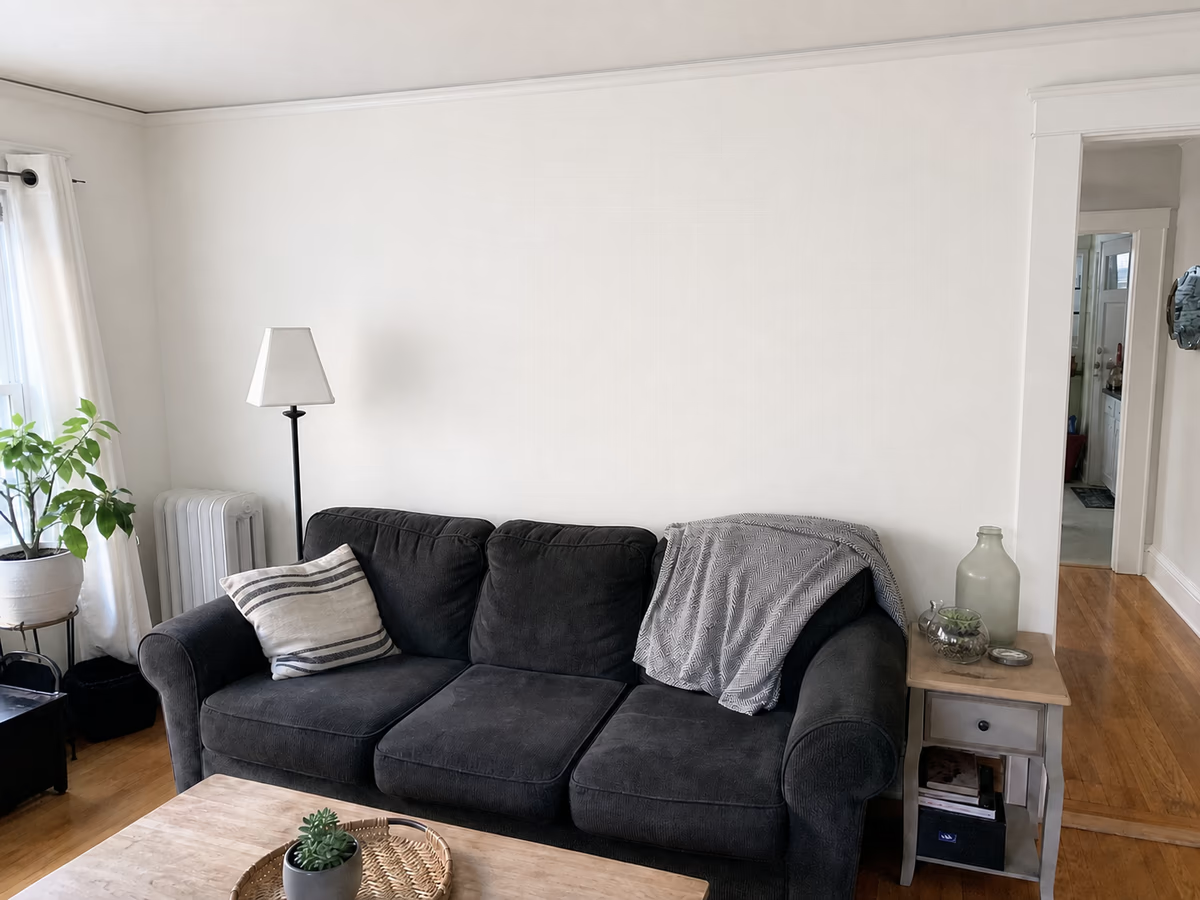
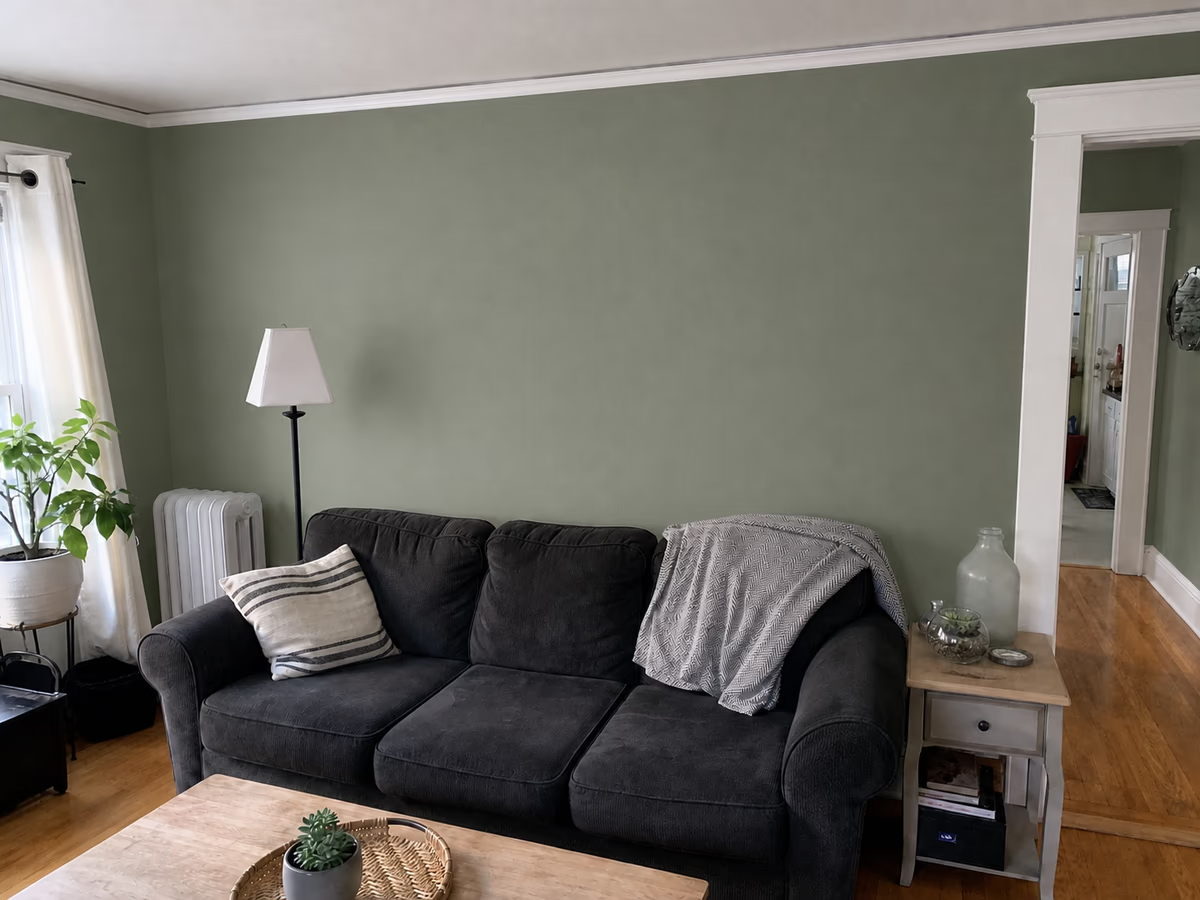
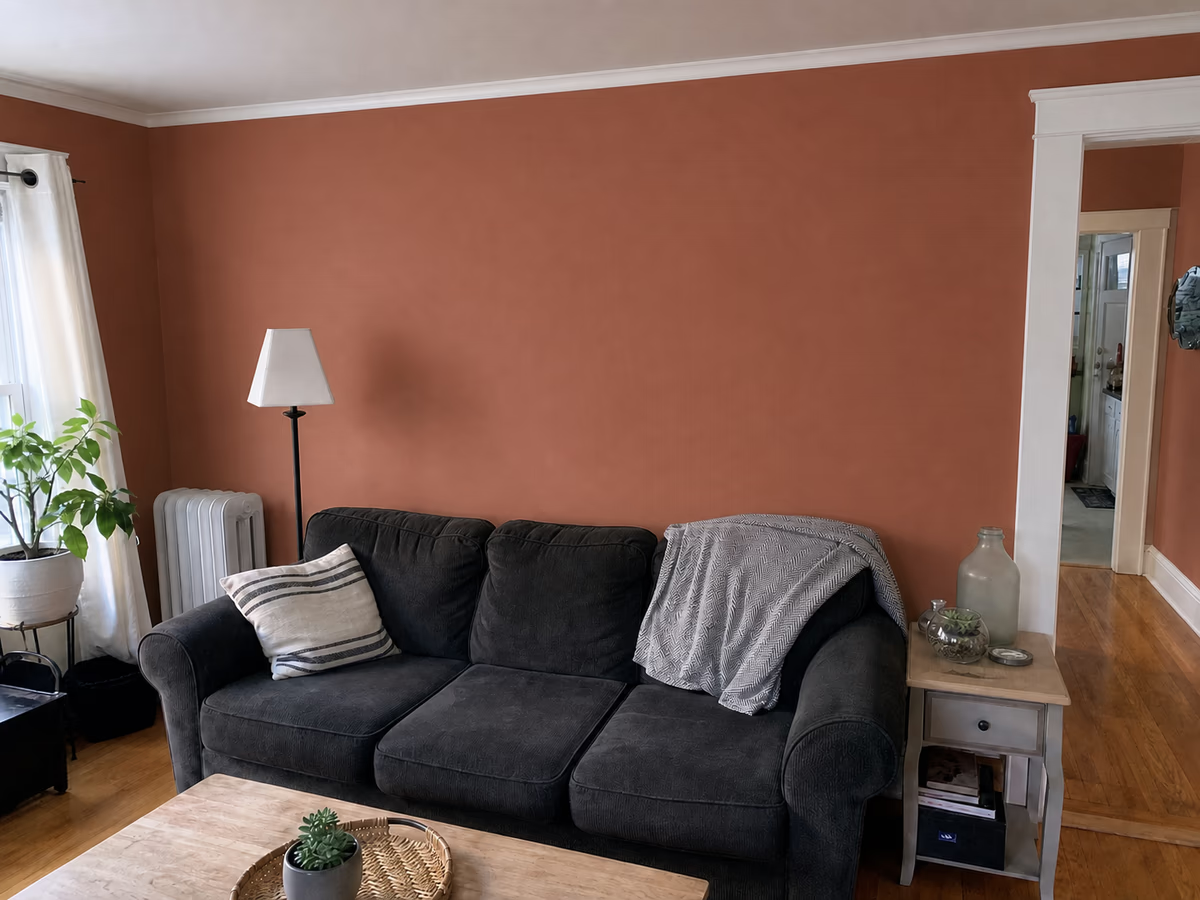
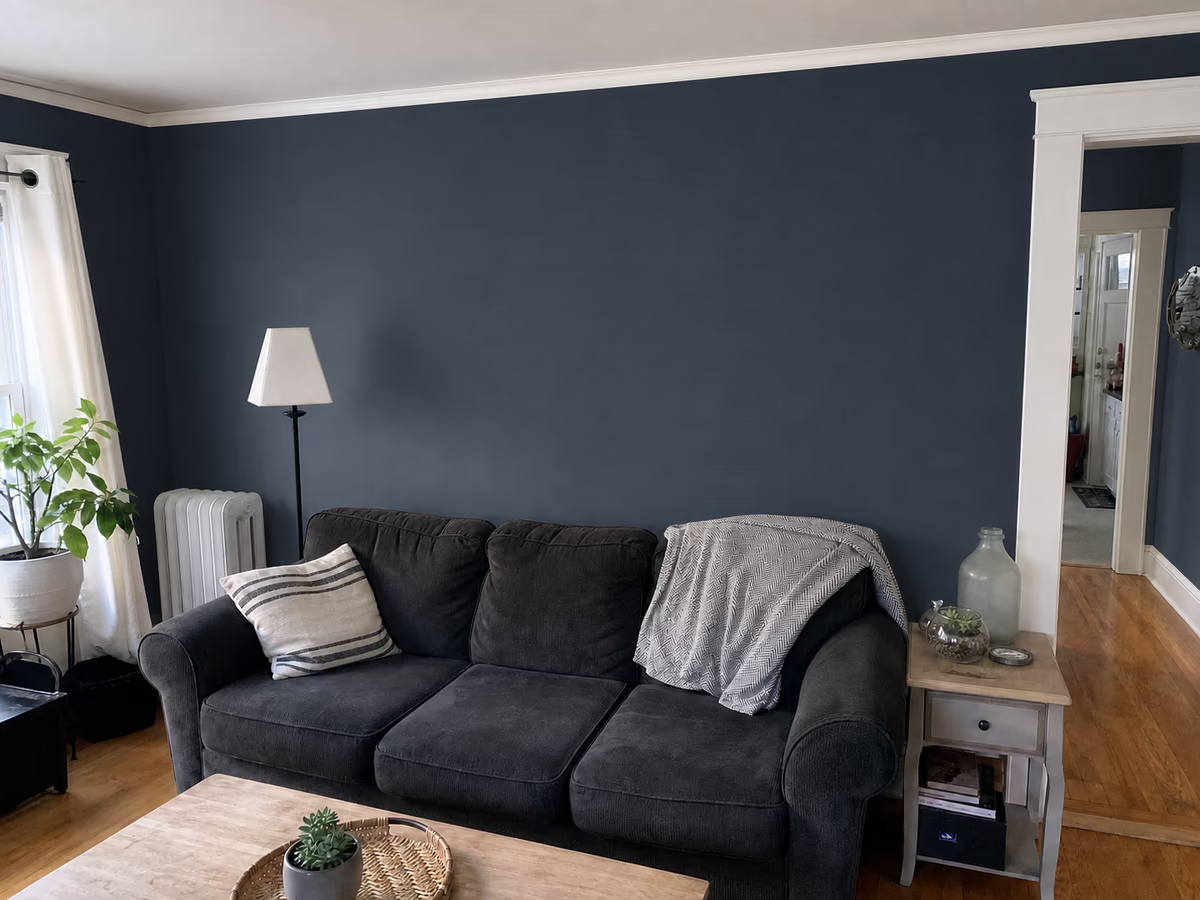
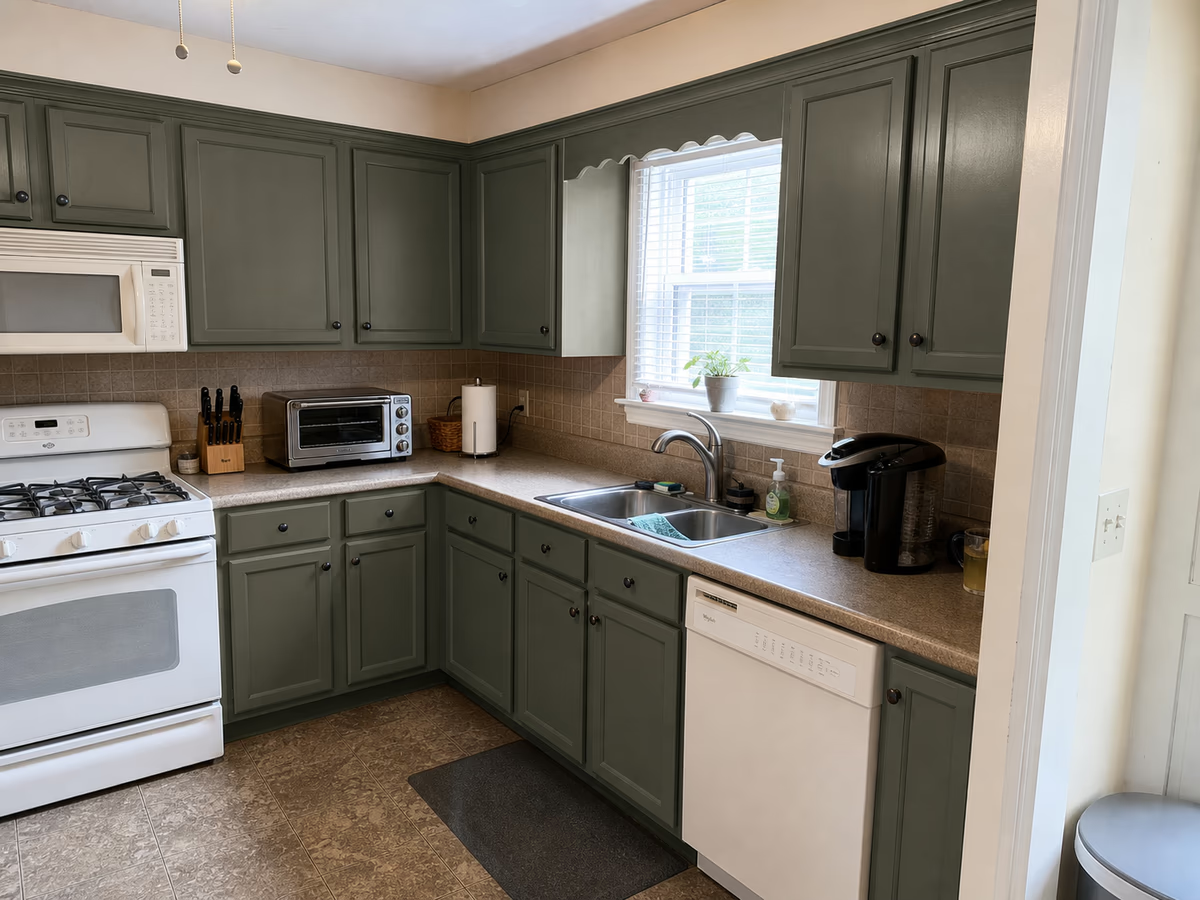
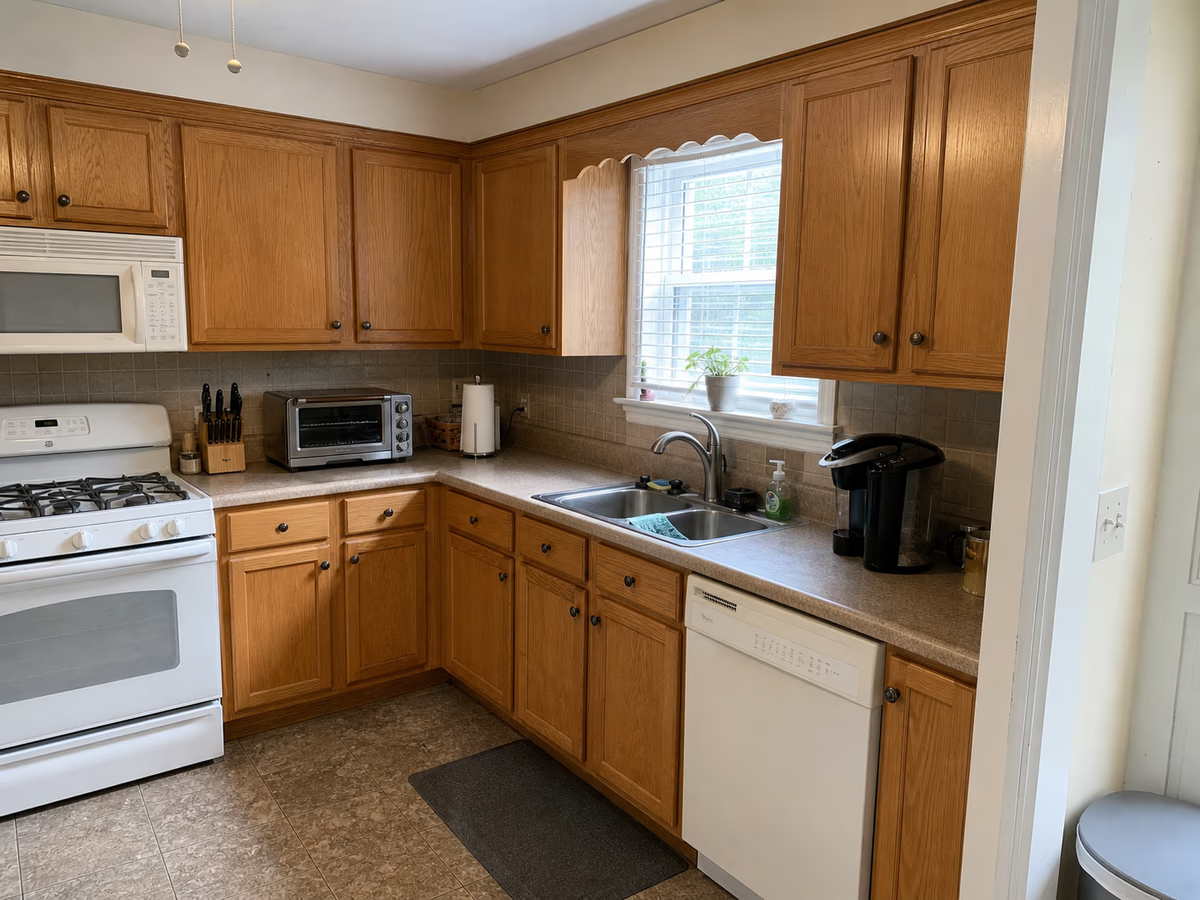
Fresh Warm White
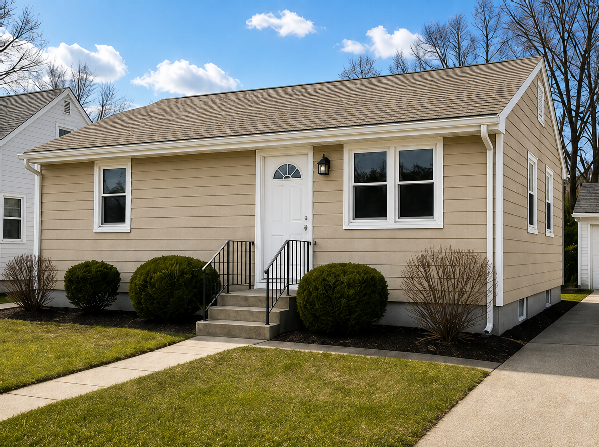
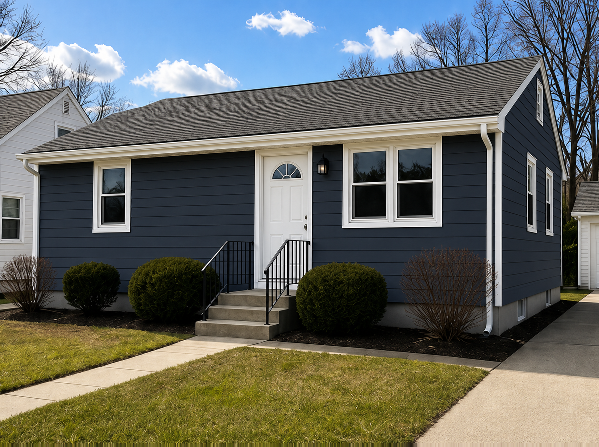
Warm white option
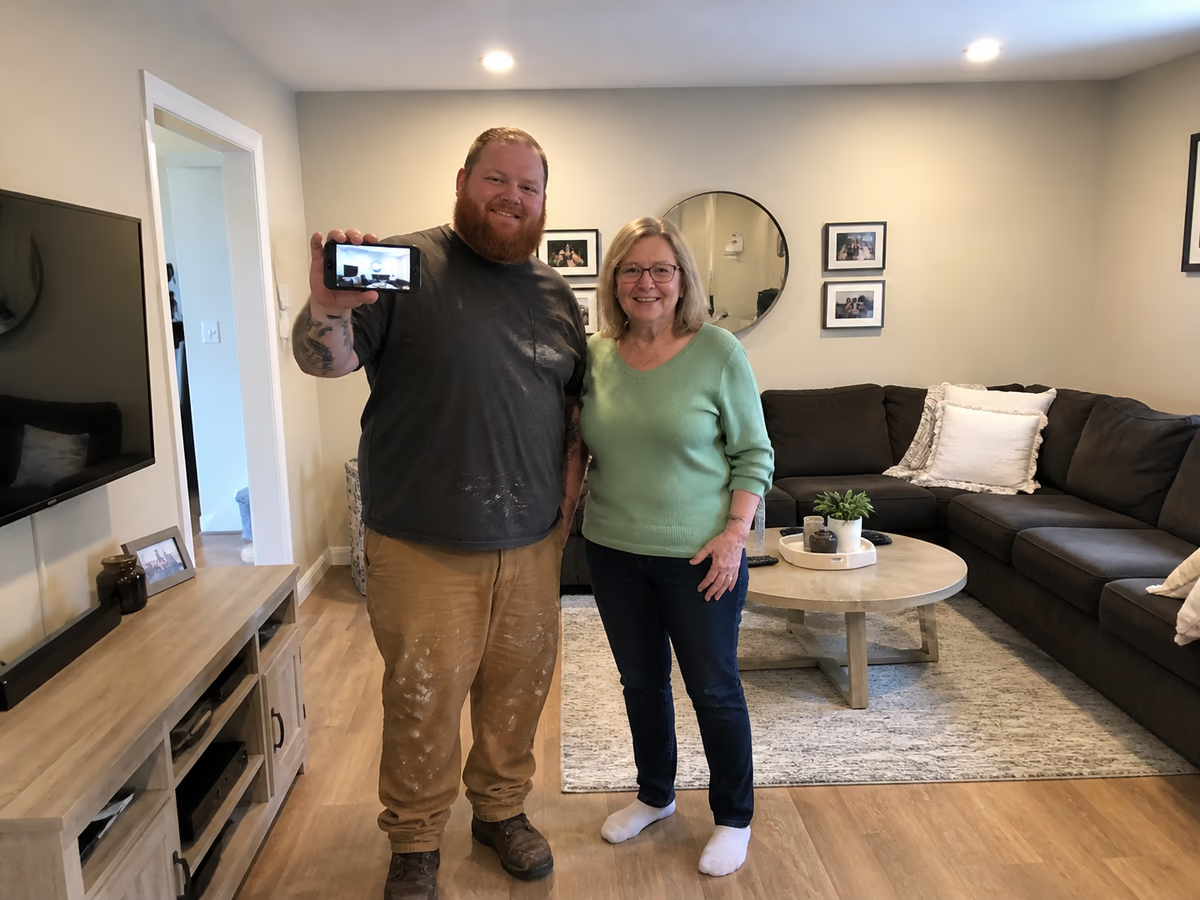
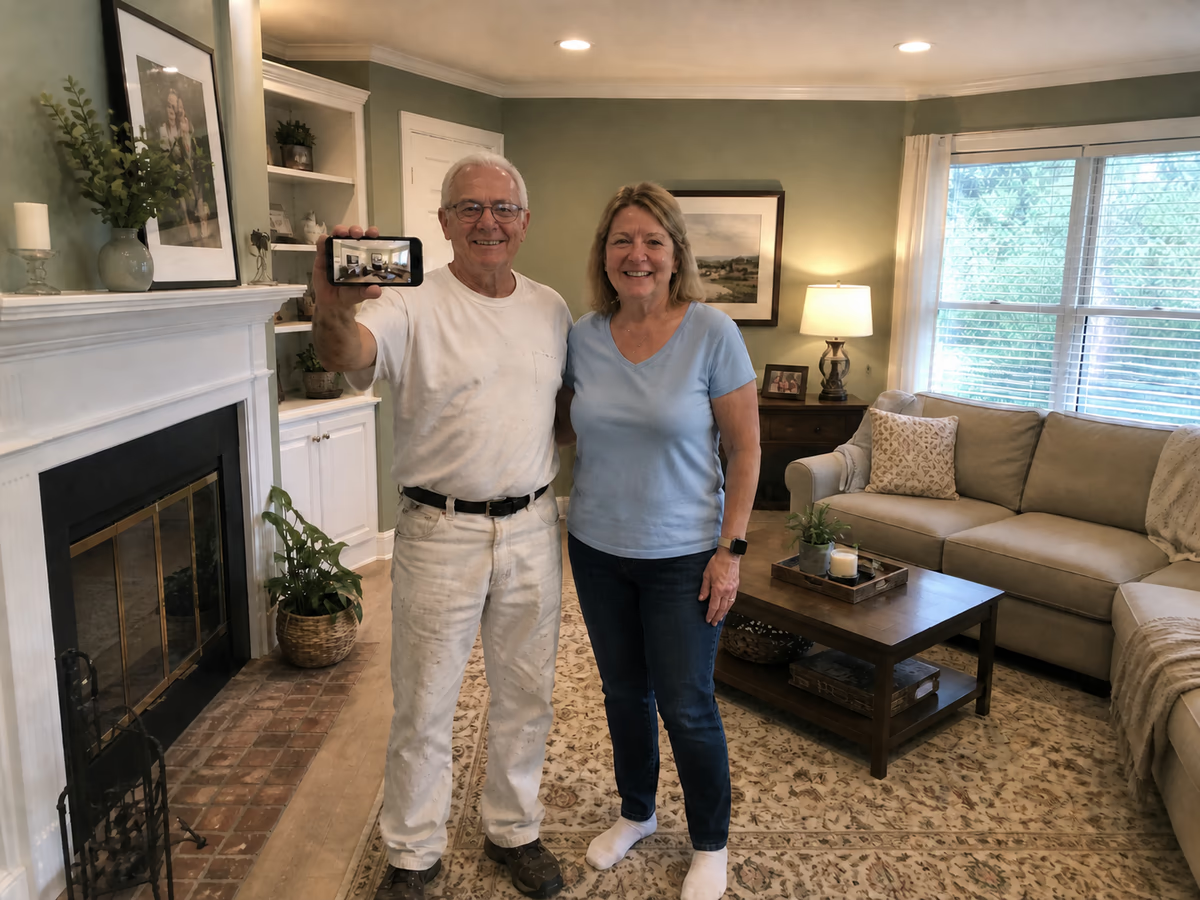
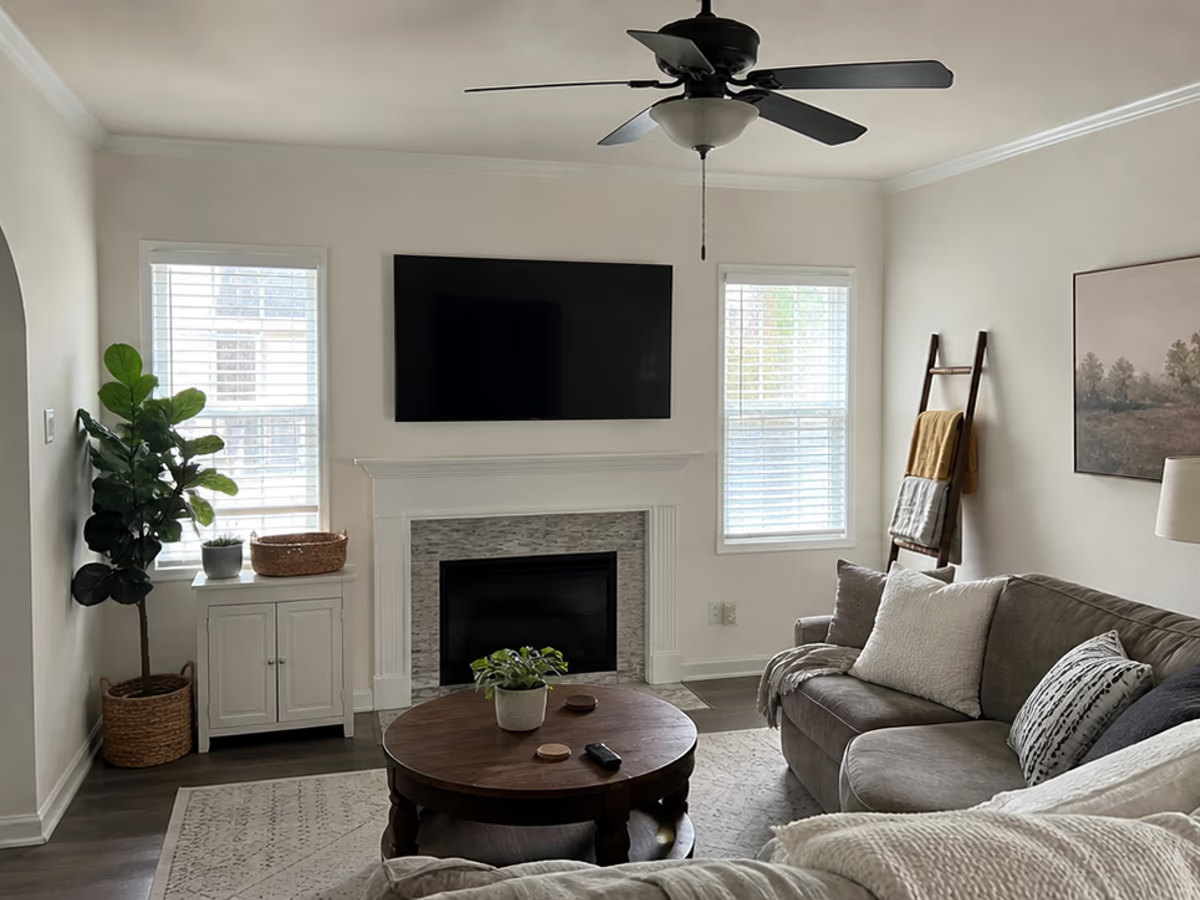
Actual job photo
Let customers choose before your crew starts.
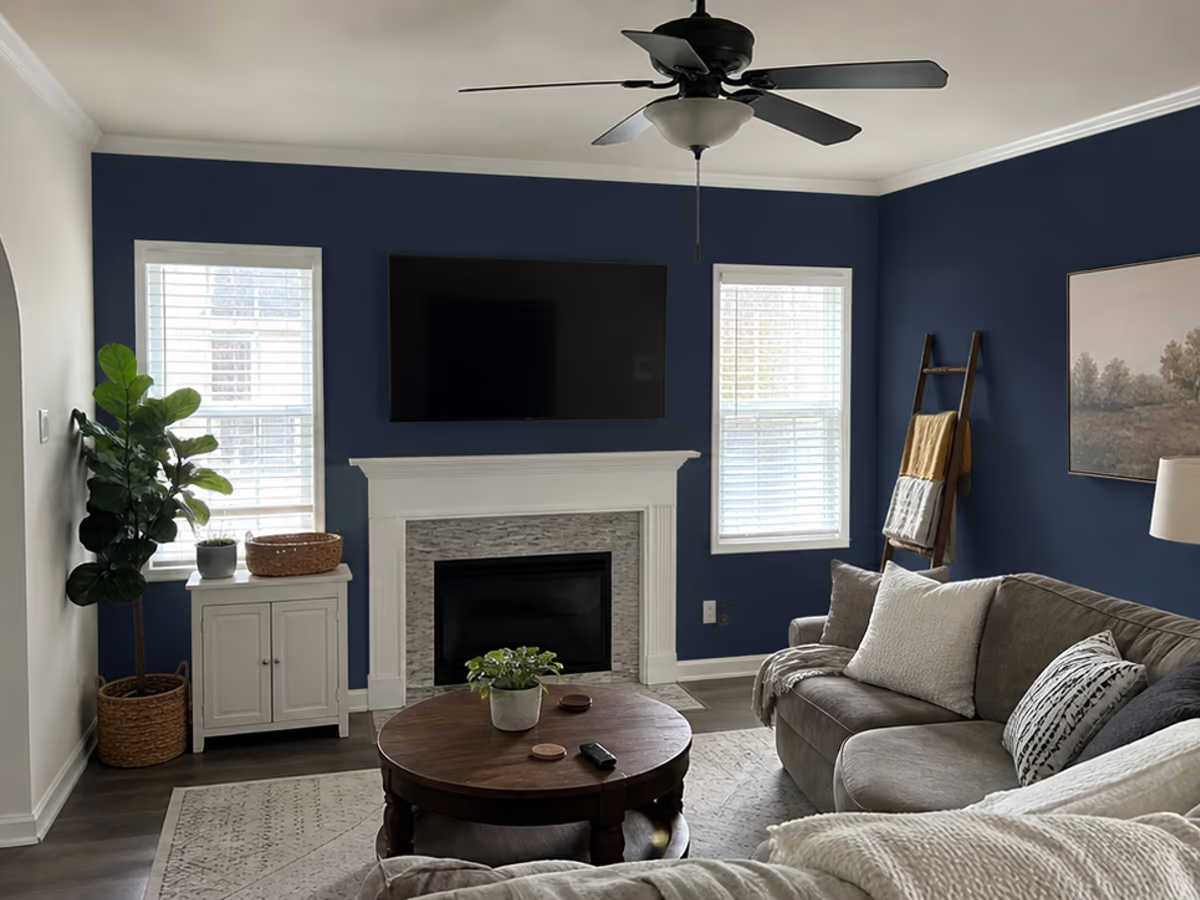
The customer can compare paint options from the same estimate photo before your schedule, crew, and materials are committed.
Upload an estimate photo, lock the exact color in writing, and get the homeowner's signature before your crew touches a can.
No credit card required.
Colors from the brands your crews already use.





A sold job can sit in limbo while the homeowner, spouse, or second decision-maker is still deciding.
Every new color option, sample question, or second opinion pulls your estimator back into work that is not on the invoice.
Before the job starts, your crew needs the approved color, code, sheen, surface, and notes in one place.
The customer can compare paint options from the same estimate photo before your schedule, crew, and materials are committed.
Use a photo from the estimate or walkthrough.
Select the wall, siding, trim, cabinet, or other paintable area.
Add the brand, color name, color code, sheen, and production notes.
The customer reviews the preview and confirms the final color before the crew starts.
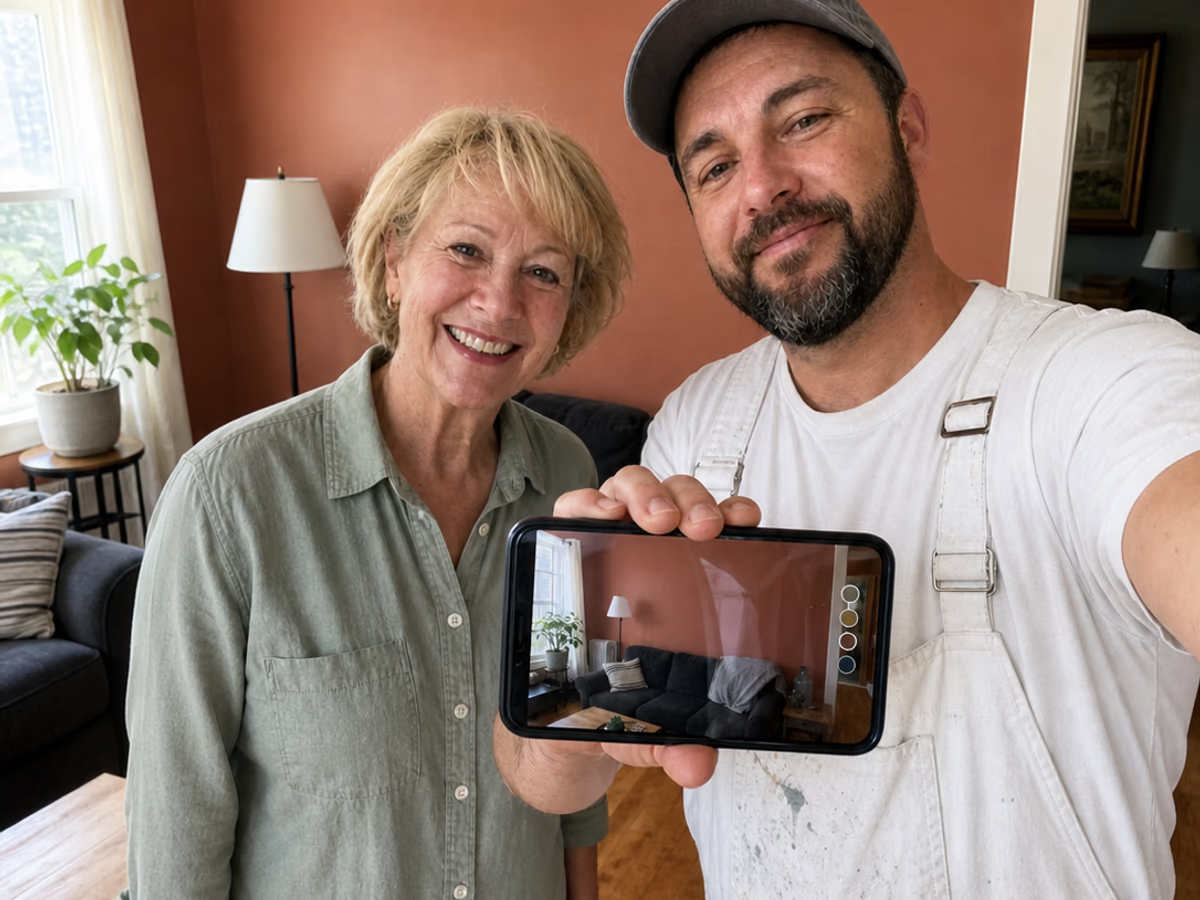
Preview colors on the actual job photo
Get a signed approval link
Lock brand, code, sheen, and surface
Send crews the approved paint schedule
Use the estimate photo, pick the surface, and attach the exact paint color before sending it for approval.
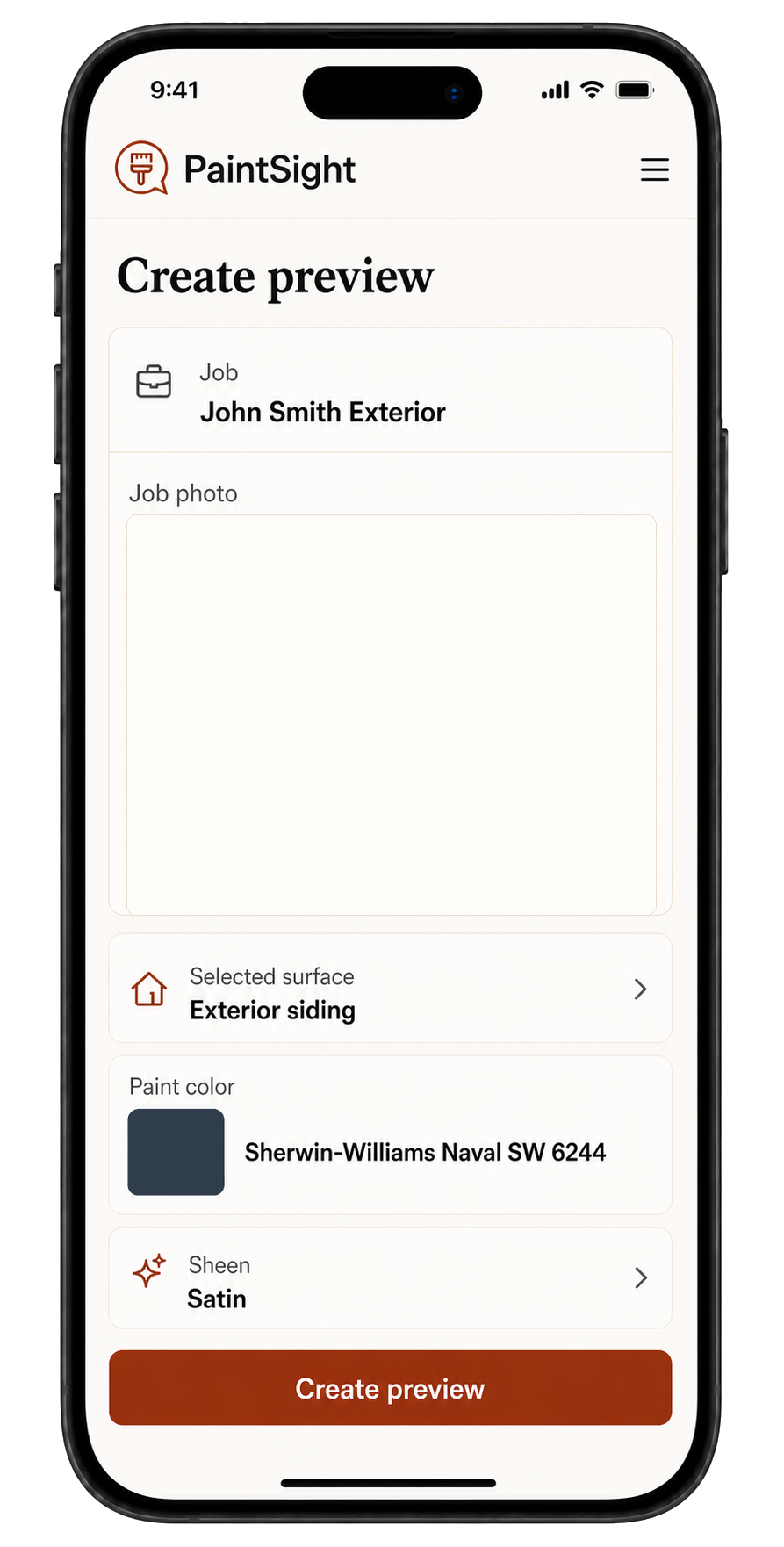
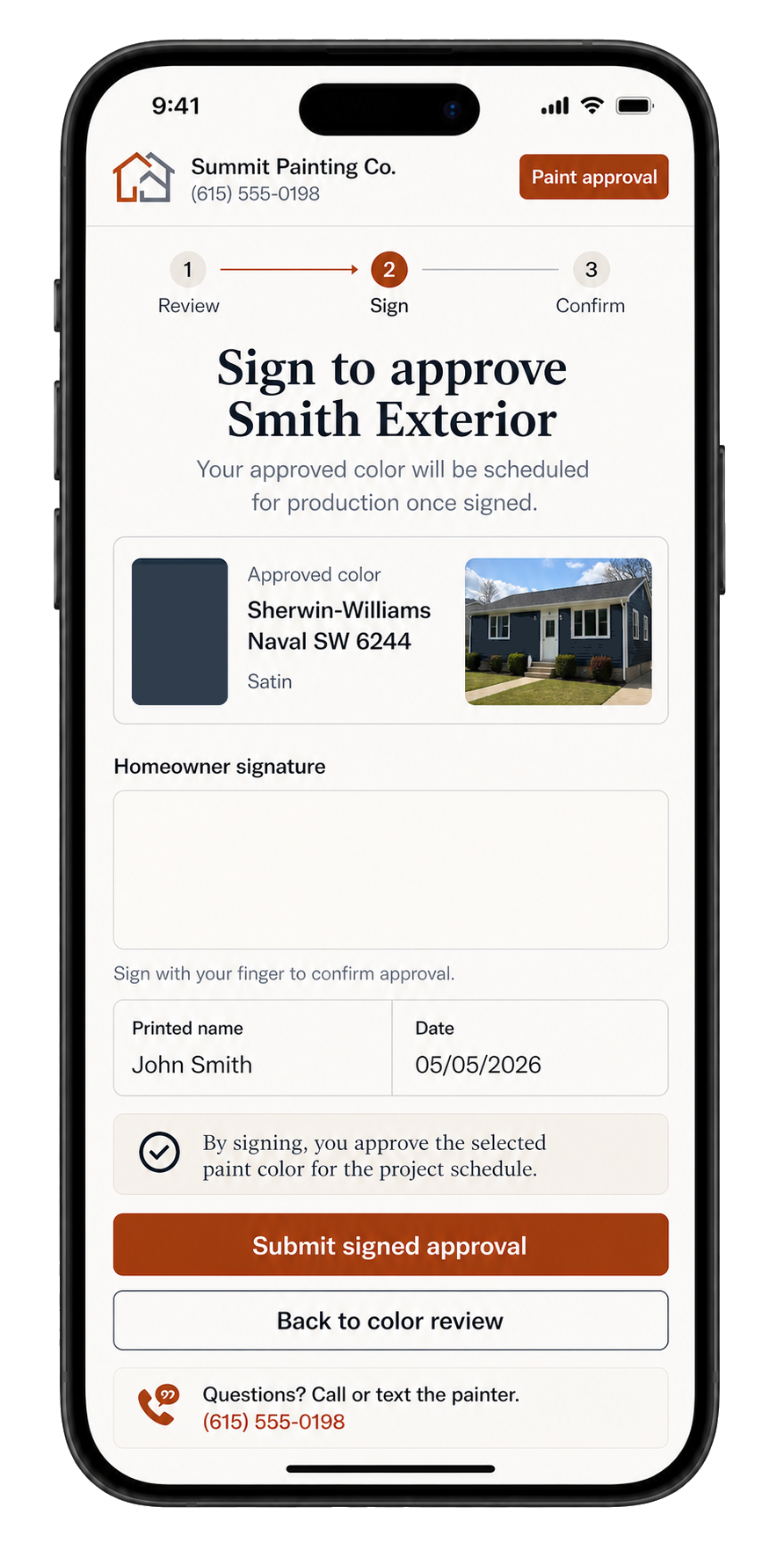
The homeowner signs off on the photo, color, surface, sheen, and date, so your estimator, scheduler, and crew are working from the same record.
Once the homeowner signs, PaintSight gives your team the color, surface, sheen, quantity notes, and approval proof in one place.
Interior walls, exteriors, cabinets, trim, decks, siding, brick, and stain work, with approval details attached before production starts.
Clear answers for painting companies using previews during estimates.
Yes. Use a room, exterior, cabinet, trim, or siding photo from the estimate or walkthrough.
You can include the paint brand, color name, color code, surface notes, and the preview image the customer approved.
No. PaintSight helps the customer narrow down a color and approve the job details. Final color can still vary because of lighting, sheen, screen settings, and surface texture.
Send the homeowner an approval link with the preview, paint color, color code, and surface being painted. Their confirmation is saved with the job.
PaintSight currently supports Sherwin-Williams, Benjamin Moore, Behr, Farrow & Ball, and Dulux.
Try PaintSight on a real job before you roll it out to the team.
No credit card required.